

- Details
- Written by robinfredericf
- Category: JS Illustrator
-
Also available:

- Hits: 1468

These two scripts offer a custom version, with a few additional options, of the basic Illustrator built-in commands “New Artboard” and “Fit to Selected Art”.
- Details
- Written by Aigon
- Category: JS Illustrator
-
Also available:
- Hits: 1657
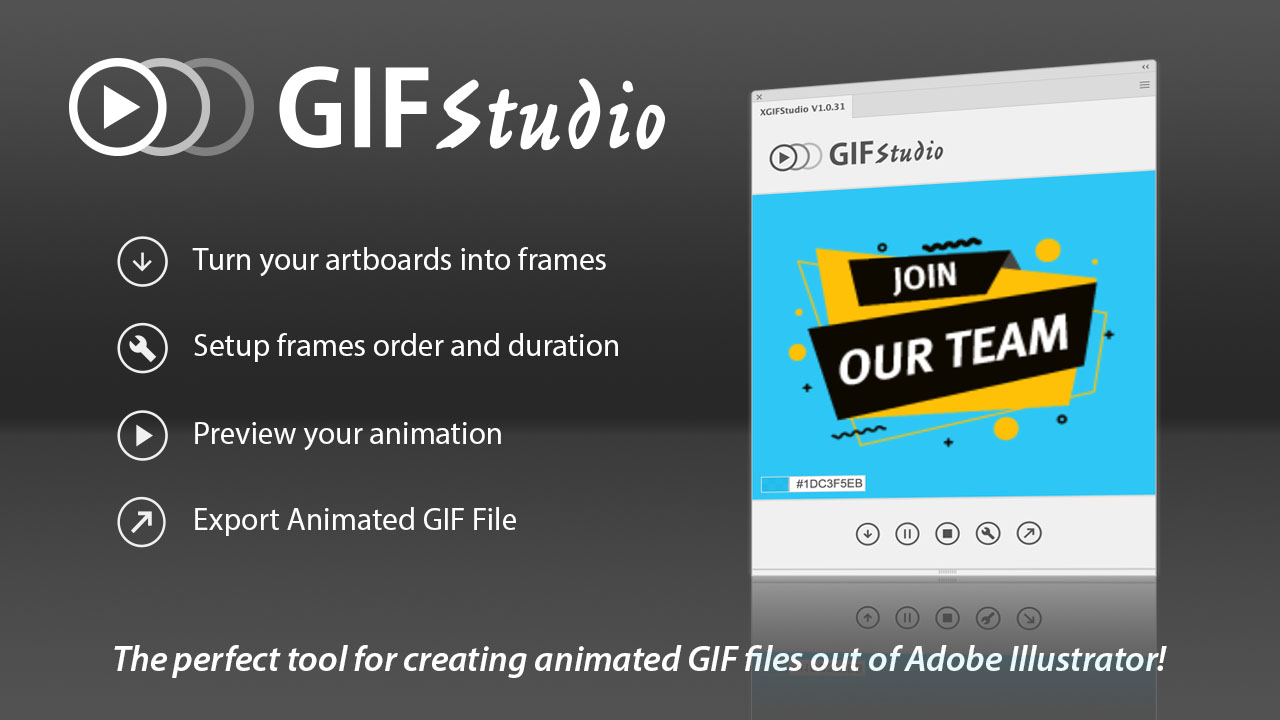
If you ever created GIF files with Adobe products, you know how cumbersome this can be. Many Youtube videos show the necessary steps : create frames in Illustrator, export artboards, import in Photoshop, set up the animation, export the GIF file. And the worst part? Any change and you start this all over again. But that's an old story now!
- Details
- Written by robinfredericf
- Category: JS Illustrator
-
Also available:
- Hits: 40020

Although it is generally not recommended to open in Illustrator a PDF generated, for example, from InDesign or QuarkXPress, or simply generated from Illustrator but saved as PDF/X, we eventually end doing it at some point when the source file is not available and we simply want to pick up some graphic assets to reuse in a new design work. We can notice then that the paragraphs are always split into several left-aligned point texts, that some characters originally affected by an horizontal scale in the source file appear affected by an inverse vertical scale and a different point size, that some characters, especially dingbats, sometimes turn out converted to outlines, etc. This extension for Illustrator CC+ (html5 panel not compatible with old CS versions), baptized «Text rebuild tools», gathers a few functions, some of them already published here as separate jsx scripts, to help recreate and rebuild editable lines/paragraphs/stories from these items.
- Details
- Written by robinfredericf
- Category: JS Illustrator
-
Also available:
- Hits: 6955

 You may have ever noticed, when opening in Illustrator a PDF file generated for example from InDesign, that some characters affected by an horizontal scale in the indd source file become affected by an inverse vertical scale and a different point size (that phenomenon seems to occur only in the case of characters manually condensed using an horizontal scale below 100%, and not in the case of manually extended characters). For example, some text with size 20pt and a 80% horizontal scale ends up with a size of 16pt with a 125% vertical scale, with a visually identical result. In the case of a 90% horizontal scale the inverse result is a 111.1111111111111…% vertical scale, rather inconvenient rational number.


